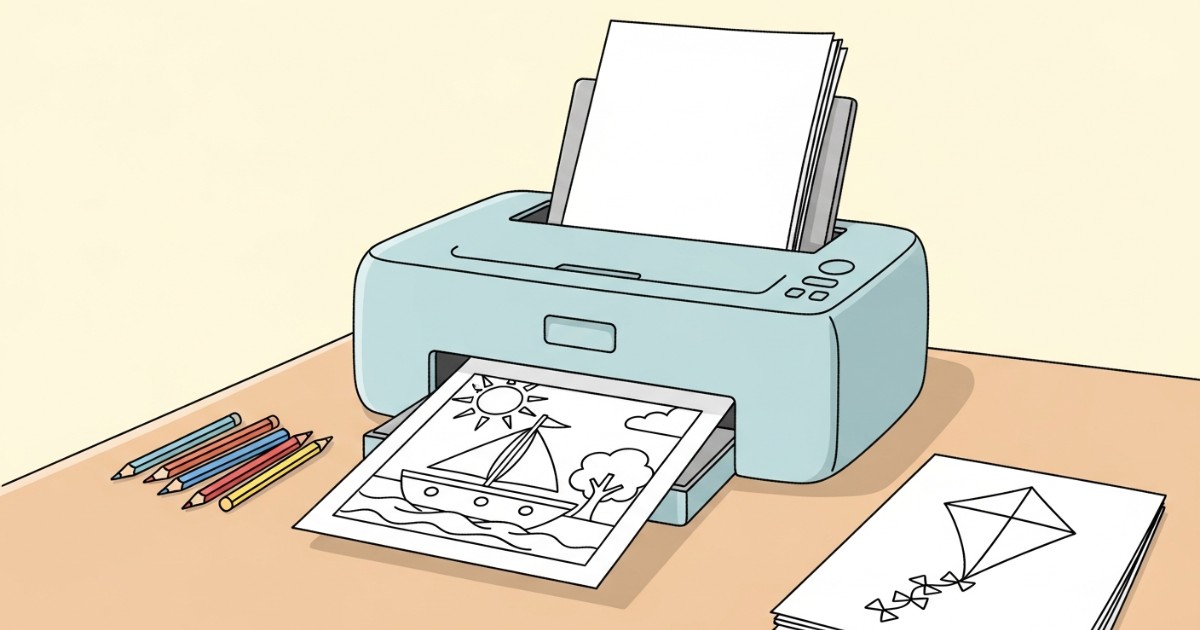
Start with the PDF
Every coloring page on the site has a Download PDF button under the image. The PDF is laid out for standard US Letter or A4 — no resizing needed. Open it in your browser preview or a reader like Preview (Mac), Adobe Acrobat, or Edge.
The image on the page itself is for tablets and phones; the PDF is what you want for paper. It prints sharper because it carries the line art at full resolution.
Print at 100% scale
In the print dialog, set scale to Actual size (sometimes labeled 100%). Avoid "Fit to page" — it shrinks the line art and leaves a thicker border. A few specifics that help:
- Color: Black & white or Grayscale. Saves the color cartridge for the kid, not the outline.
- Quality: Normal. Draft mode washes the lines out; Best wastes ink for the same on-paper result.
- Single-sided. Two-sided pages don't add anything for coloring sheets.
- Edges look cropped? Drop scale to 97% — printer hardware margins vary by model.
Pick the right paper
Standard 20 lb copy paper handles crayons and colored pencils with no fuss. Three guideposts:
- Crayons or pencils: regular copy paper.
- Washable markers: 28–32 lb paper. Heavier paper resists bleed-through and keeps the page from warping on the fridge later.
- Keepsake page (frame, scrapbook): 65–80 lb cardstock. Slightly slower to feed, much sturdier.
If you can only pick one, 28 lb works for everything.
Ready to try it
Pick a page from the categories page, download the PDF, and print one for the kitchen table. If the lines come out faint, the printer is in draft mode or low on toner — bump quality and try again.